
Contact
Connect with the JobZapp team
Browse workers on WhatsApp or in JobZapp to hire. For questions, use JobBot, WhatsApp Help, the help guides, or Chat to a person when you need Care.
Shortlist in chat. Card hold, pay and GPS stay in JobZapp.
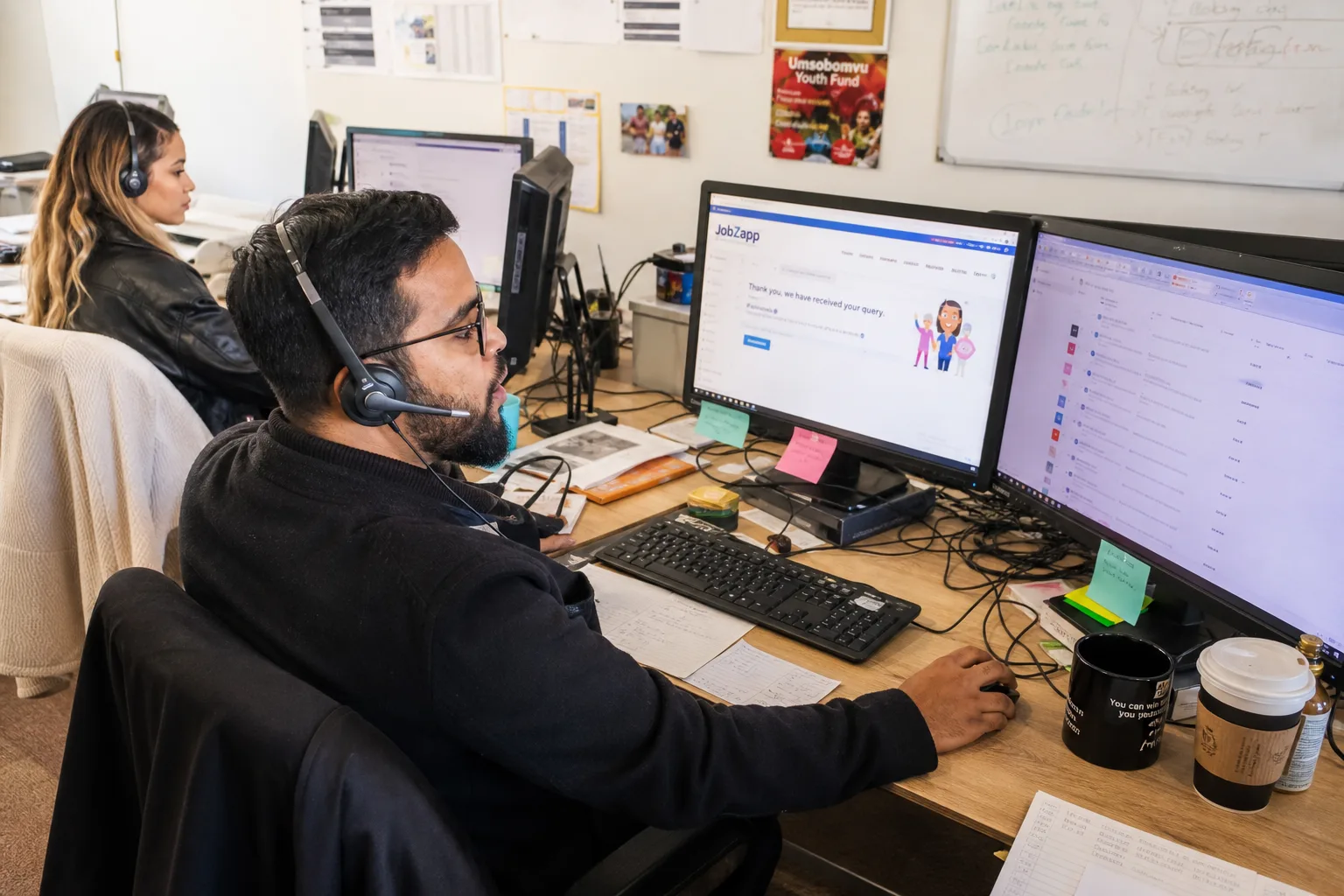
Talk to JobZapp
Ask a question or talk to us
JobBot answers first on WhatsApp, so you are not waiting for an agent outside office hours.
-

JobBot
Ask a question anytime on our site, in the app, or via WhatsApp. Get instant answers with quick options to browse local workers or connect directly with a person.
-

WhatsApp Help
Send us a message on WhatsApp anytime to browse local workers or get support. You can easily tap quick options to find work, view help topics, or connect with a support agent.
-

Help guides
Longer how-tos with steps and examples on the Client Help centre.
-

Chat to a person
Connect with our Customer Care team right inside your WhatsApp or JobBot chat for help with profile, payments, or special requests.
Also useful
Hire, work and email
Browse workers on WhatsApp or in JobZapp, or email the team.
-
Browse workers on WhatsApp
Browse workers on WhatsApp and JobZapp: set job type, where and when, see a shortlist and post. After you post: Workers apply directly in chat. Choose your preferred worker, tap the payment link to authorize a card hold, and your booking is confirmed.
Browse workers on WhatsApp -

Browse workers in JobZapp
Full booking screens, card hold, pay and GPS clock-in.
Browse workers -

Join as a worker
Join on WhatsApp: thin signup, Continue setup, then My vetting for your next stage. Apply or Decline from job alerts. Bank, skills, GPS clock-in and payouts stay in JobZapp.
Join on WhatsApp -

Worker Help
Guides for Your vetting steps, invites, clock-in and payouts.
Open Worker Help -
Email us
Reach the team at help@jobzapp.com when email suits you better.
help@jobzapp.com -

Where we work
JobZapp covers Cape Town, from the Atlantic Seaboard to the Helderberg.
See service areas
FAQ
Common questions
-
How far ahead should I book?
Lead time is at least 6 hours by day, or 12 hours at night. You must Book a pending job at least 3 hours before start, or it auto-cancels with no charge.
-
Can I cancel for free?
Yes. You can cancel free up to 4 hours before the job starts. Inside that window a late fee may apply for worker travel and preparation.
-
Do I pay cash on the day?
No cash needed. All payments are handled securely through the app.
You will see a clear upfront estimate covering the worker's rate, booking fee, and travel. We only place a temporary hold on your card when you book, and you are charged after the job is completed.
-
Are workers vetted?
Yes. Every worker must complete a vetting process, including document verification, an interview, and reference checks before receiving regular job invites. Each skill is individually reviewed, so workers are only matched with jobs they are fully approved for.
-
Can someone I trust follow the job?
On each booking you can share the job with up to two trusted contacts. They get notified when work starts and stops, which is useful if you are not home when someone arrives, or if a worker wants someone following their shift.
-
What happens in an emergency?
From a live job, Emergency sends a WhatsApp and SMS to your trusted contacts with your message and location. Security notifies your contacts and JobZapp Support so the platform can act on the record.
-
How will JobZapp reach me about a booking?
The JobZapp app is the main way we reach you. It is where you get instant notifications, tap Accept when a worker clocks in, or add Extra Time.
WhatsApp is the secondary ping for high-priority alerts, with quick replies where they apply. On WhatsApp Help, JobBot answers common questions first. Chat to a person reaches Care in the same thread when you need a human. Email carries detailed receipts and invoices. If you have already taken action in the app, we do not send a duplicate WhatsApp or email message.
Need more detail? See Client Help.
Booking
Ready to book?
Browse workers on WhatsApp and JobZapp: set job type, where and when, see a shortlist and post. Ask JobBot for common questions, or Chat to a person when you need Care.
Shortlist in chat. Card hold, pay and GPS stay in JobZapp.
See the estimate first, cancel free up to 4 hours, follow Book Status live, and only pay after the work is done. Safety & Trust