
Safety & Trust
Safety tools on every JobZapp booking
Share the live booking with people you trust. Keep day-to-day talk in chat. Alert contacts with your location if something goes wrong.
Shortlist in chat. Card hold, pay and GPS stay in JobZapp.
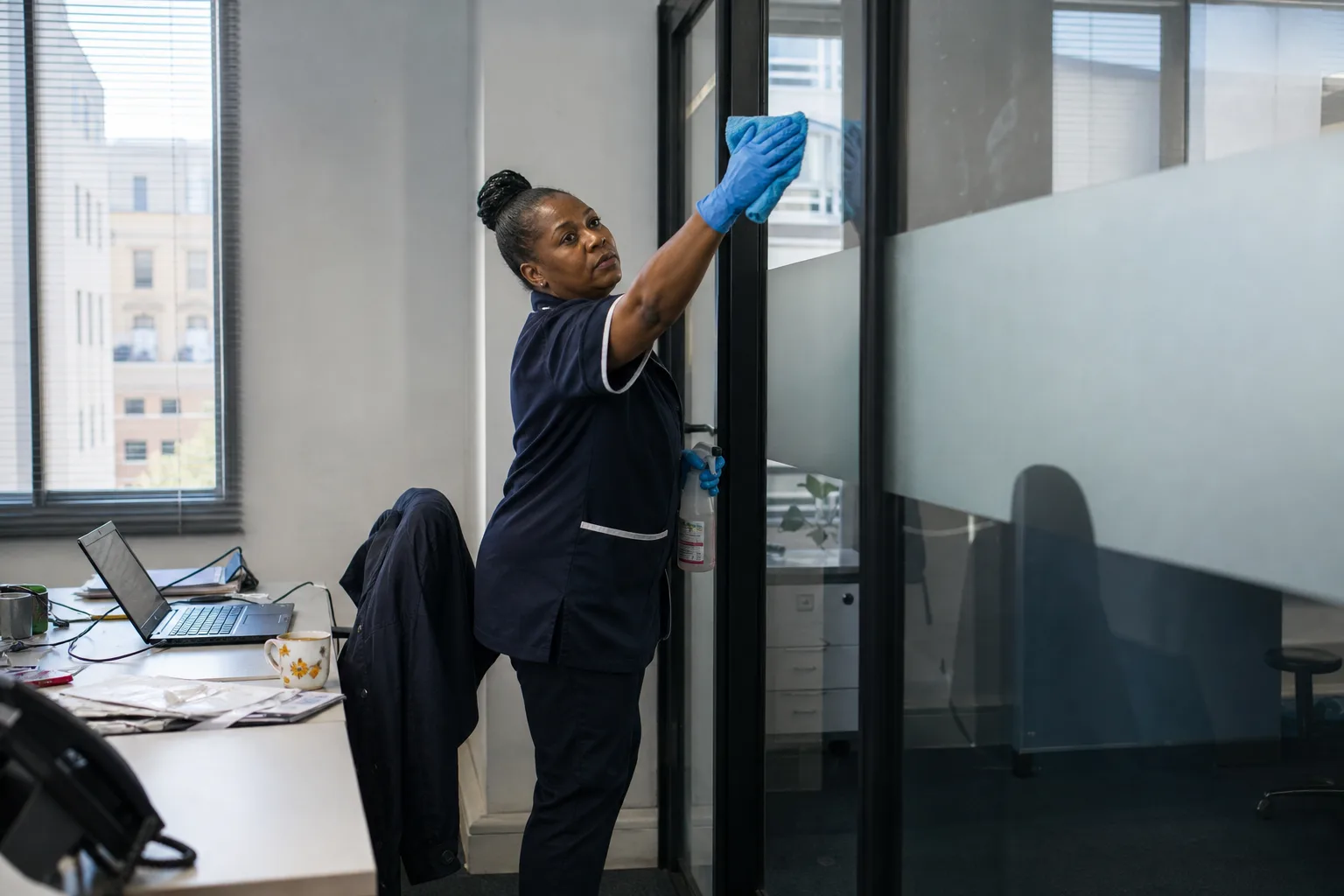
What protects the shift
Three controls on every live job
Follow My Job, in-app chat and the Emergency button. Real controls on the live booking, with GPS clock-in underneath.
-

Follow My Job
-

In-app chat
-

Emergency button
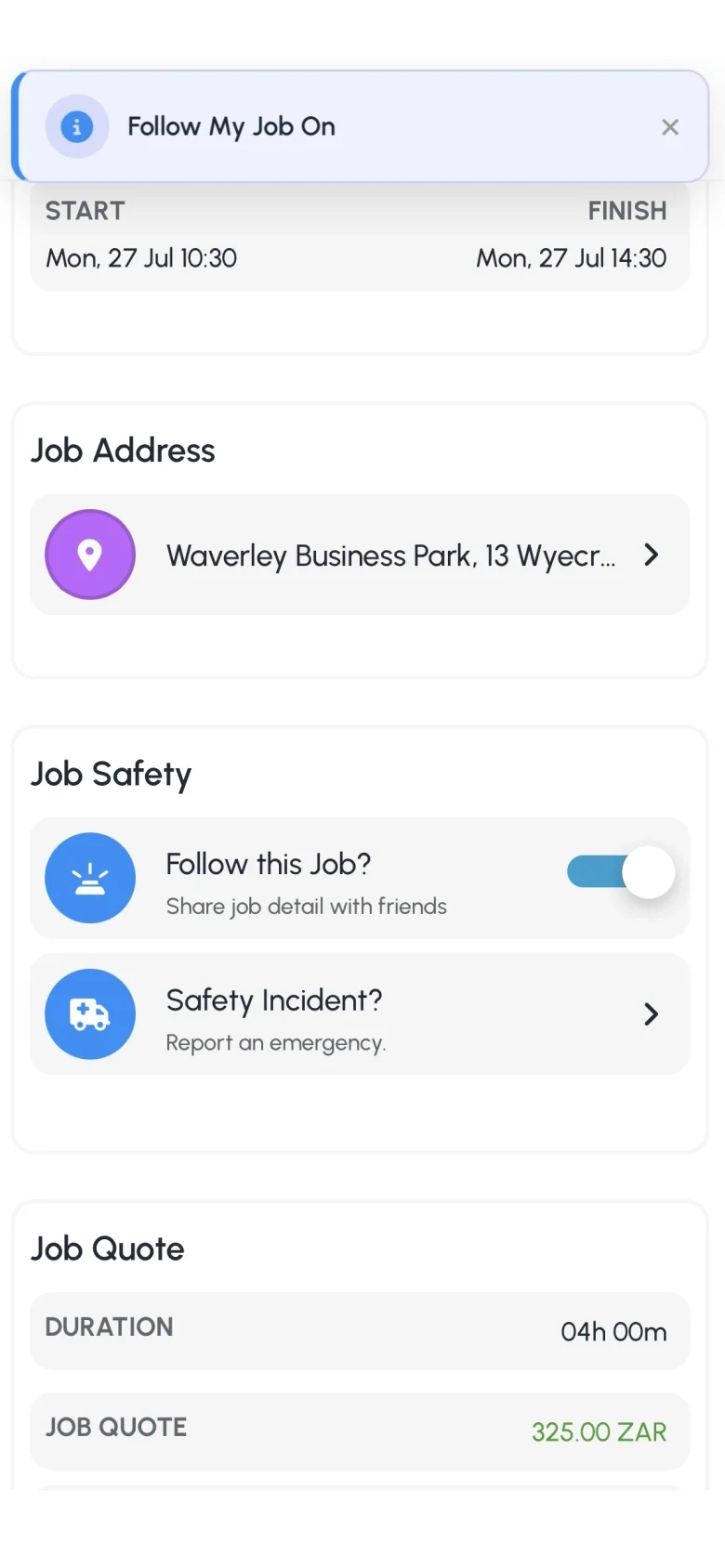
Follow My Job
Trusted contacts see start and stop
On each booking you can share the job with up to two trusted contacts. They get notified with job details when work starts and stops: check-ins, check-outs and the context of the shift, so someone you trust can follow along even if you are not home.
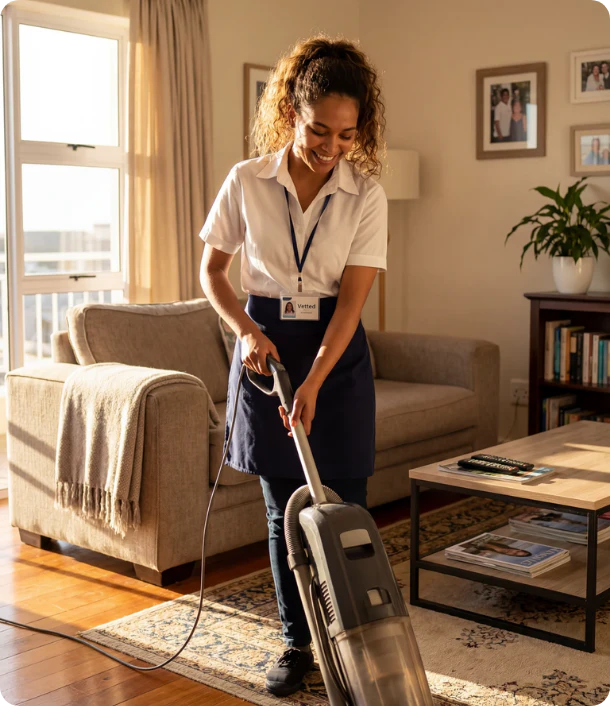
In-app chat
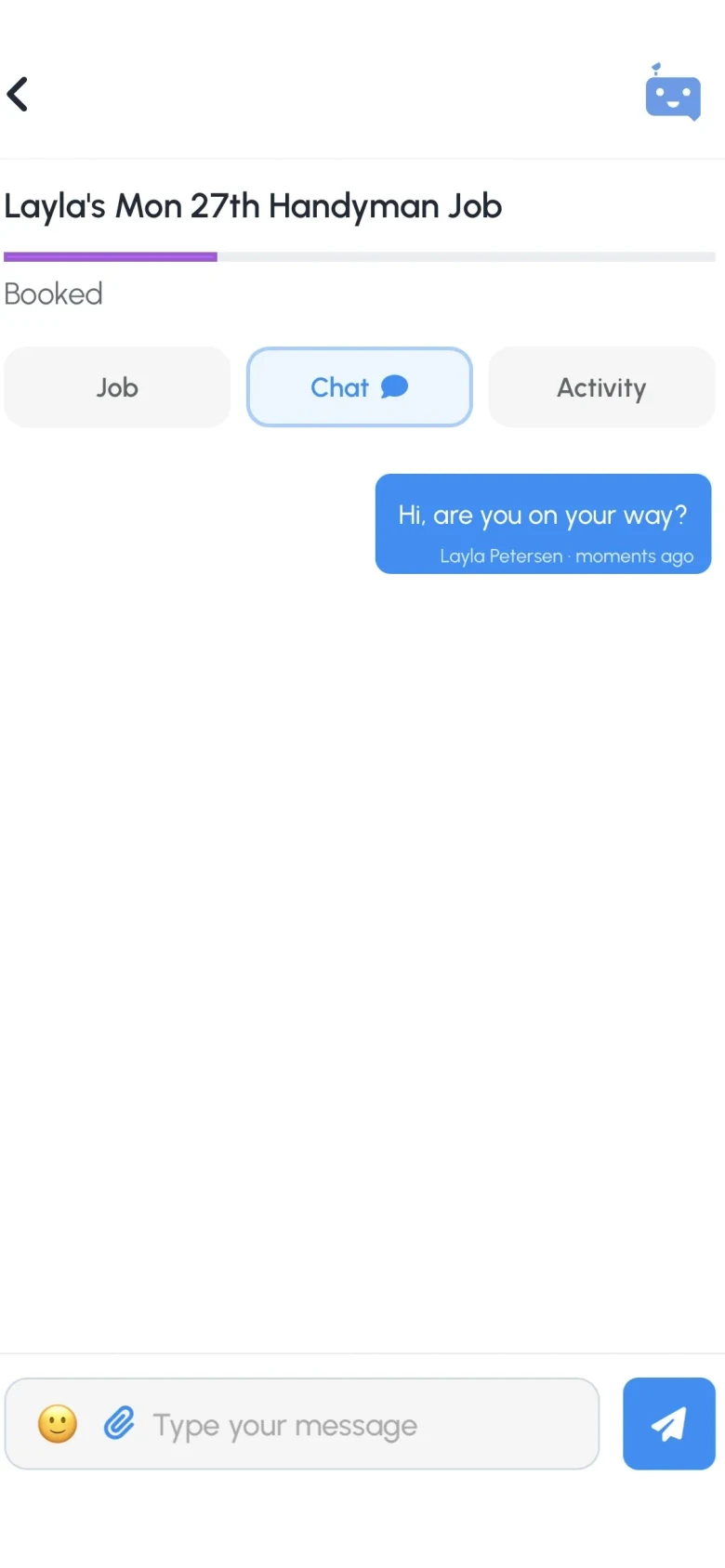
Day-to-day talk stays on the record
Access notes, ETAs and ordinary messages stay in JobZapp job chat, so both sides have a written trail. Exact address unlocks once you select the worker. Phone number unlocks shortly before the job. That staged privacy is the point: chat first, personal details only when the booking needs them.

In the app
Follow My Job and job chat on your phone
Live Book Status for trusted contacts, and day-to-day messages on the booking record.
Emergency button
One tap to alert people who can help
From a live job, Emergency sends a WhatsApp and SMS to your trusted contacts with your message and where you are. Security notifies those contacts and JobZapp Support so the platform can act on the record. Full steps are in Client Help: Problems & help.

Also on every booking
GPS, vetting and paid ratings
The safety stack sits on top of checks and a clear paper trail from estimate to pay.
-

GPS-verified clock-in
-

Vetting before regular invites
-

Ratings from real jobs
FAQ
Trust questions
-
Can someone I trust follow the job?
Yes. On each booking you can share the job with up to two trusted contacts. They get notified when work starts and stops, which is useful if you are not home when someone arrives, or if a worker wants someone following their shift.
-
Where do day-to-day messages go?
In JobZapp job chat. Exact address unlocks once you have selected the worker. Phone number unlocks shortly before the job. Personal details are staged on purpose.
-
What happens in an emergency?
From a live job, Emergency sends a WhatsApp and SMS to your trusted contacts with your message and location. Security notifies your contacts and JobZapp Support so the platform can act on the record.
-
How do you ensure workers are trustworthy?
Every worker completes an identity check, credentials scan, interview, and reference verification before taking jobs. Only fully verified workers receive booking invites, earning client ratings with every completed task.
-
Is JobZapp AI-powered?
Yes. JobZapp is an AI-powered job booking, matching and payment tool. Browse workers on WhatsApp and JobZapp: set job type, where and when, see a shortlist and post. Invited workers apply, you Book, a hold goes on your card, and you only pay after the work is done. JobBot answers common questions on this site, in the app and on WhatsApp. We also use AI for background work such as scanning credentials during Docs Review and matching approved skills. Interview and Briefing stay part of worker vetting.
-
Do I need to be Vetted before I can hire?
No. Clients can post at Private once profile basics are ready. Becoming Vetted is optional extra trust for workers who see your profile.
-
Can I act on WhatsApp without opening the app?
Get instant answers to common questions in chat, with JobZapp Support ready to step in anytime. While quick actions like job offers and shift approvals can happen in WhatsApp, GPS clock-ins and card payments stay securely inside the app.
Need more detail? See Client Help.
Booking
Book with Follow My Job and Emergency on
Post the job on JobZapp. Share the live booking, keep chat in-app, and pay after clock-out.
Shortlist in chat. Card hold, pay and GPS stay in JobZapp.
See the estimate first, cancel free up to 4 hours, follow Book Status live, and only pay after the work is done. Safety & Trust