
Book temps, cleaners and handymen in the City Bowl
Compare rates for local workers across the City Bowl, then book.

City Bowl
Offices and flats in one dense grid
CBD floors, Gardens flats and Woodstock studios sit side by side. Cover has to match the address.
-
Outside office hours
Commercial spaces need early morning, late evening or weekend cleans without disrupting office hours.
How JobZapp helps
Flexible cleaning hours
Post your required shift window so local workers apply only when available for your exact schedule.
-
Building and after-hours access
Office floors often require specific entrance notes, keycard contacts or elevator access details for after-hours shifts.
How JobZapp helps
After-hours access notes
Include alarm codes, key pickup and security entry notes in your job post so workers arrive fully prepared.
-
Short absences
Reception desks and admin roles often face sudden 1- or 2-day absences that do not warrant agency contracts.
How JobZapp helps
Short-term desk cover
Book qualified admin and reception temps by the day or shift, paying securely only after the work is completed.
About the City Bowl
Cover from the CBD to the mountain slopes
Whether covering a CBD office floor or a Gardens flat, get trusted help on your schedule without monthly retainers.
JobZapp matches you with vetted local pros for office temps, office cleans, home help and odd jobs, paid safely when the work is done.
How to book
Book your way
Browse workers on WhatsApp, or browse in JobZapp. Same booking, matching and payment either way.
-
Hi. Browse workers on JobZapp WhatsApp. Send a voice-note or tap Browse workers and we will do the rest.
Voice note: Cleaner tomorrow morning near Claremont, about 4 hours
Got it: domestic cleaner, tomorrow morning, about 4 hours near Claremont. Share your street pin so we match nearby.
Location pin shared
Matched 3 vetted cleaners nearby. Select workers, then post. They apply, you Book, a hold goes on your card. You only pay after the work is done.
Example WhatsApp chat On WhatsApp
Voice-note or text the job. Shortlist in chat. Card hold, pay and GPS stay in JobZapp.
-
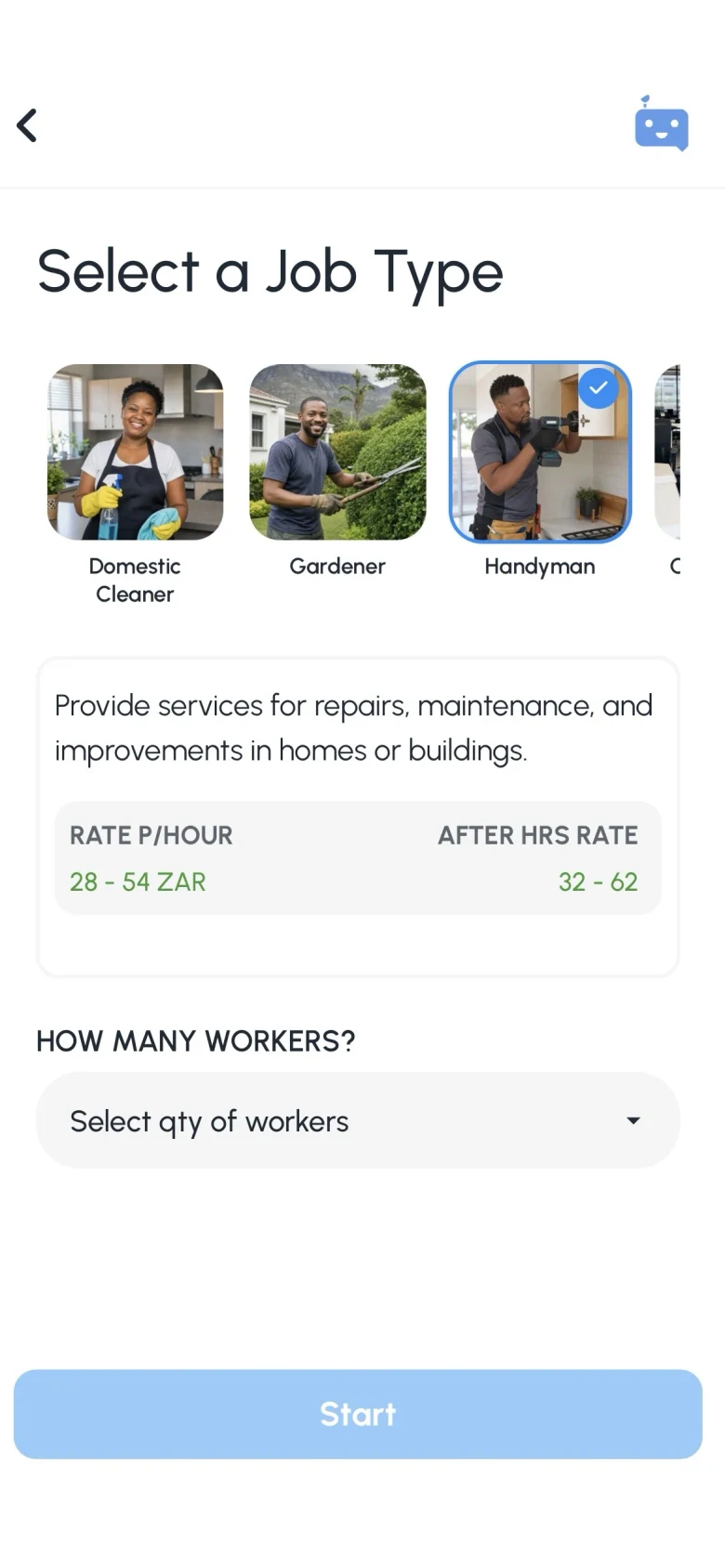
Browse workers
After you post on WhatsApp
After you post: Workers apply directly in chat. Choose your preferred worker, tap the payment link to authorize a card hold, and your booking is confirmed.
-
Workers apply in chat
Invited workers reply on WhatsApp if they are available for your job.
-
Tap Primary or Standby
Choose your preferred worker, and add a Standby if you want cover.
-
Open the pay link
Tap the payment link to authorize a card hold. You only pay after the work is done.
Suburbs
Localised workforce solutions across the City Bowl
We cover the most booked suburbs in the City Bowl. Set your address when you post and local workers nearby see it instantly.
-

CBD
High demand for office temps, reception cover and after-hours office cleaners in corporate blocks.
-

Gardens
Apartments and boutique offices that book cleaners, handymen and short admin shifts.
-

Tamboerskloof
Residential hillside demand for handymen, home help and reliable once-off repairs.
-

Woodstock
Studios, creative offices and conversions that need flexible temps and facility cleaning.
-

Oranjezicht
Family homes and apartments booking vetted handymen and domestic support.
-

Vredehoek
Residential blocks that book cleaning and repair help with clear rates and no contracts.
Most booked
Popular services in your area
The roles households and businesses in the City Bowl book most often.
-
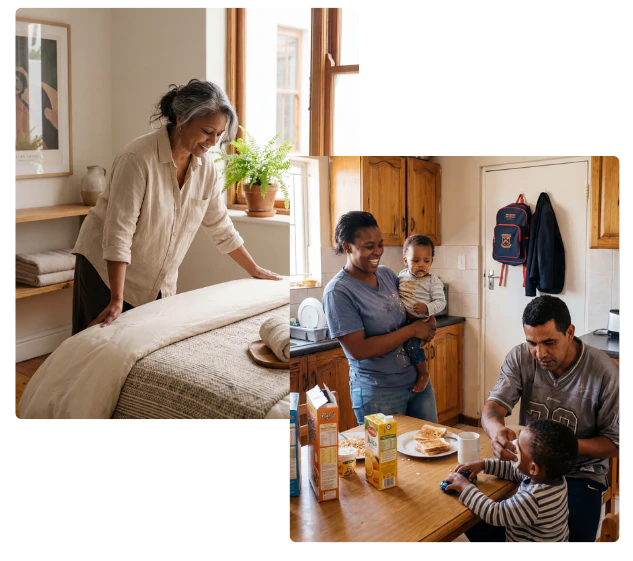
Domestic cleaner in City Bowl
Regular cleans, deep cleans, laundry, and guest turnovers, book a vetted cleaner for as long as you need.
Book a domestic cleaner -

Handyman in City Bowl
Small repairs, mounting, assembly, and the odd jobs that keep piling up, booked for the day you need them.
Book a handyman -

Office cleaner in City Bowl
Daily, after-hours, and post-event office cleaning, booked for the shifts you actually need covered.
Book a office cleaner -

Office temp in City Bowl
Reception, admin, and data capture cover for leave, peak periods, and short projects, booked by the shift.
Book a office temp
Nearby
Areas close by
Coverage continues across greater Cape Town.


FAQ
Questions about this area
-
Can I book on WhatsApp?
Yes. You can set up your job, browse local workers and receive applications directly in WhatsApp. Once you select a worker, simply use the secure JobZapp link in your chat to authorize the card hold and finalize your booking.
-
How far ahead should I book?
Lead time is at least 6 hours by day, or 12 hours at night. You must Book a pending job at least 3 hours before start, or it auto-cancels with no charge.
-
Can I cancel for free?
Yes. You can cancel free up to 4 hours before the job starts. Inside that window a late fee may apply for worker travel and preparation.
-
Do I pay cash on the day?
No cash needed. All payments are handled securely through the app.
You will see a clear upfront estimate covering the worker's rate, booking fee, and travel. We only place a temporary hold on your card when you book, and you are charged after the job is completed.
-
Are workers vetted?
Yes. Every worker must complete a vetting process, including document verification, an interview, and reference checks before receiving regular job invites. Each skill is individually reviewed, so workers are only matched with jobs they are fully approved for.
Need more detail? See Client Help.
Booking
Book help in the City Bowl
Browse nearby workers on WhatsApp or in JobZapp. You only pay after the work is done.
Shortlist in chat. Card hold, pay and GPS stay in JobZapp.
See the estimate first, cancel free up to 4 hours, follow Book Status live, and only pay after the work is done. Safety & Trust