
Services
Office support staff in Cape Town
Reception, admin, and office cleaning cover booked by the shift. See the price first, keep a backup ready, and get GPS-verified clock-ins.
Shortlist in chat. Card hold, pay and GPS stay in JobZapp.

Built into the app
See the price. Pick your team. GPS clock-in at your site.
Shift cover with a clear price, backup workers, and GPS-verified timesheets.
-
See the full price first
Worker rates, booking fee, and call-out are shown before you book.
-
Main worker + backup
Book your main team, and add a backup if you want cover.
-
GPS-verified clock-in
Workers must be within about 1 km of your premises to clock in and to restart after a break.
-
Rebook your team
Sort 'Worked for me before' and keep the people who know your site.
Roles
Office roles you can book
Two roles cover most of what an office needs at short notice.
-

Office temp
Reception, admin, and data capture cover for leave, peak periods, and short projects, booked by the shift.
Learn more -

Office cleaner
Daily, after-hours, and post-event office cleaning, booked for the shifts you actually need covered.
Learn more -

Other business cover
Need till or warehouse cover as well? Browse every role you can book for your business on JobZapp.
All business services
How shift cover looks
Browse. Book. Clock-in.
-
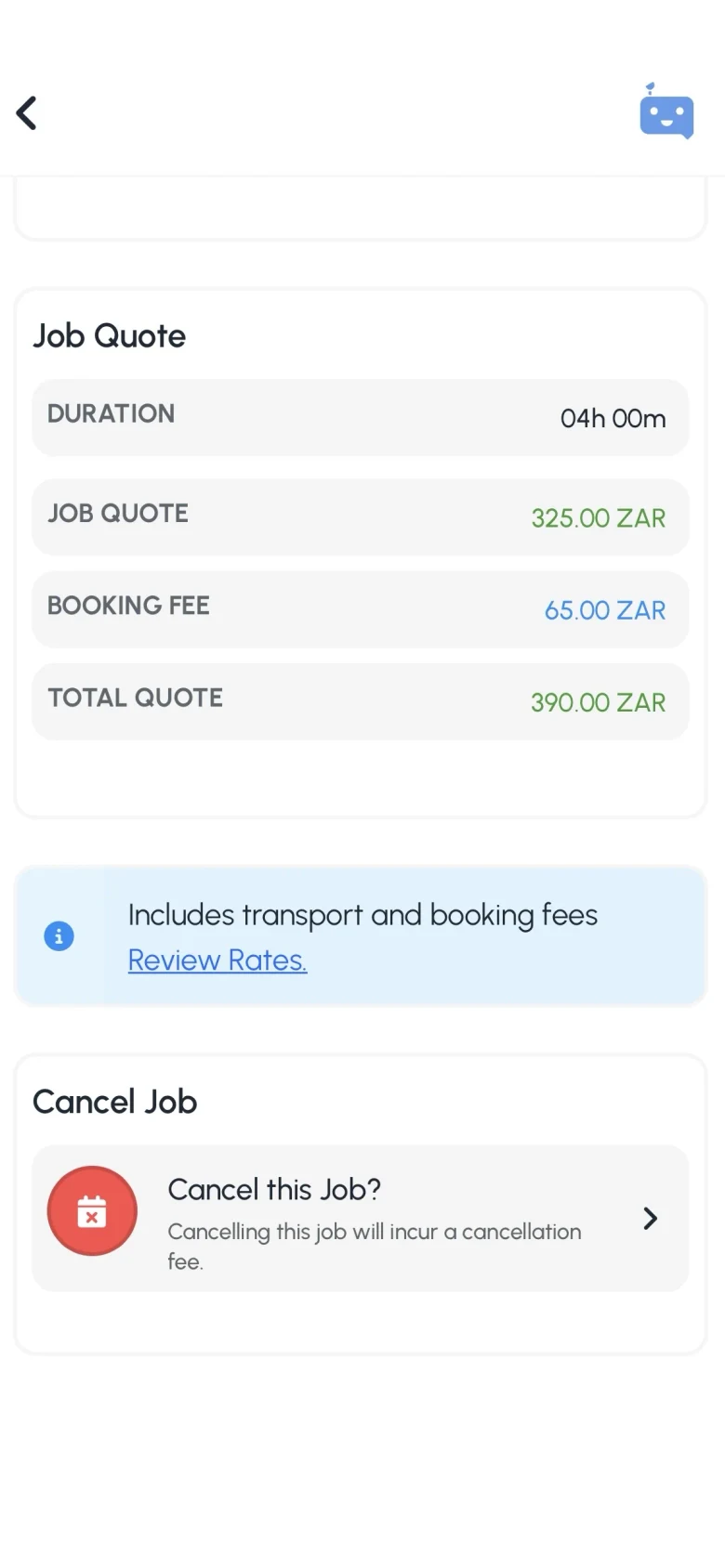
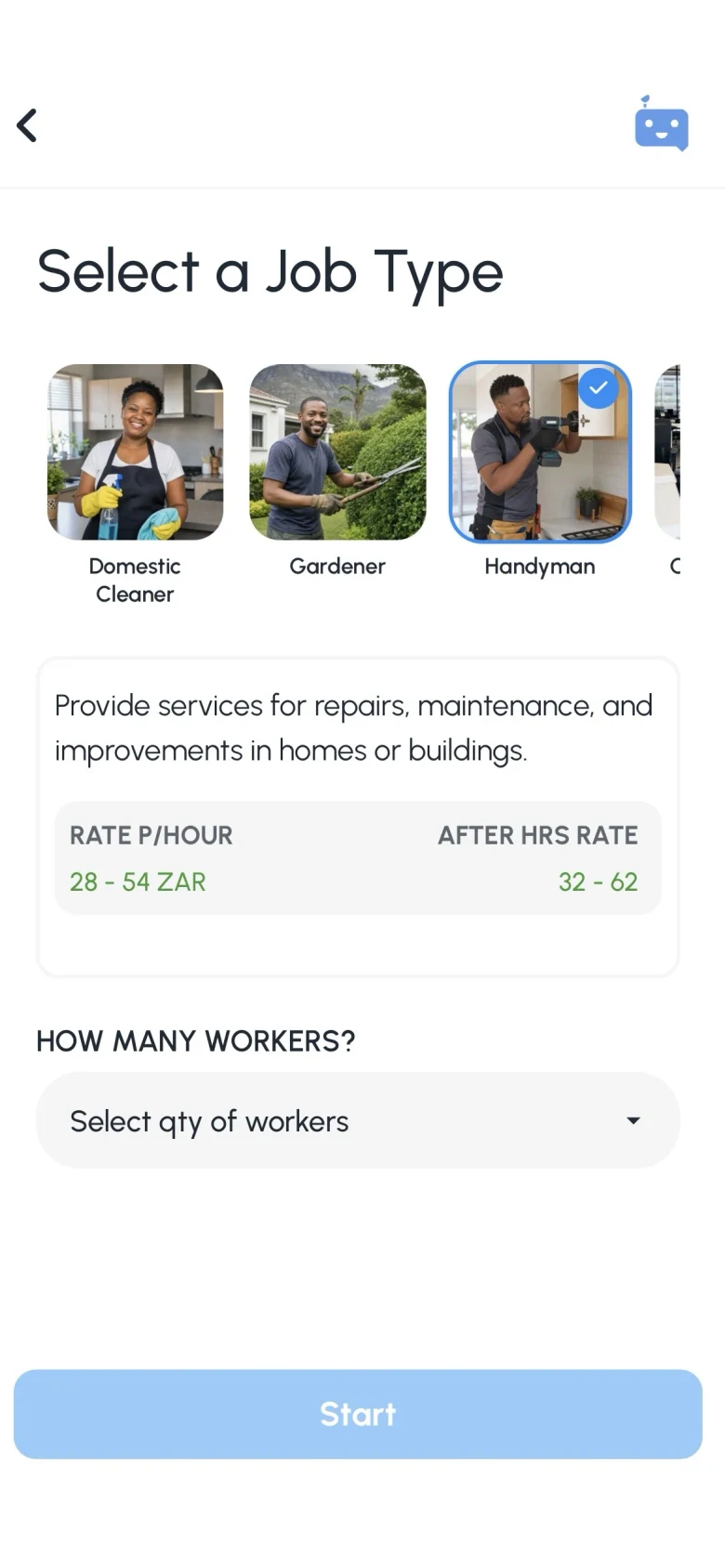
Enter role, site and hours
Browse workers on WhatsApp, or browse and post in JobZapp.
-
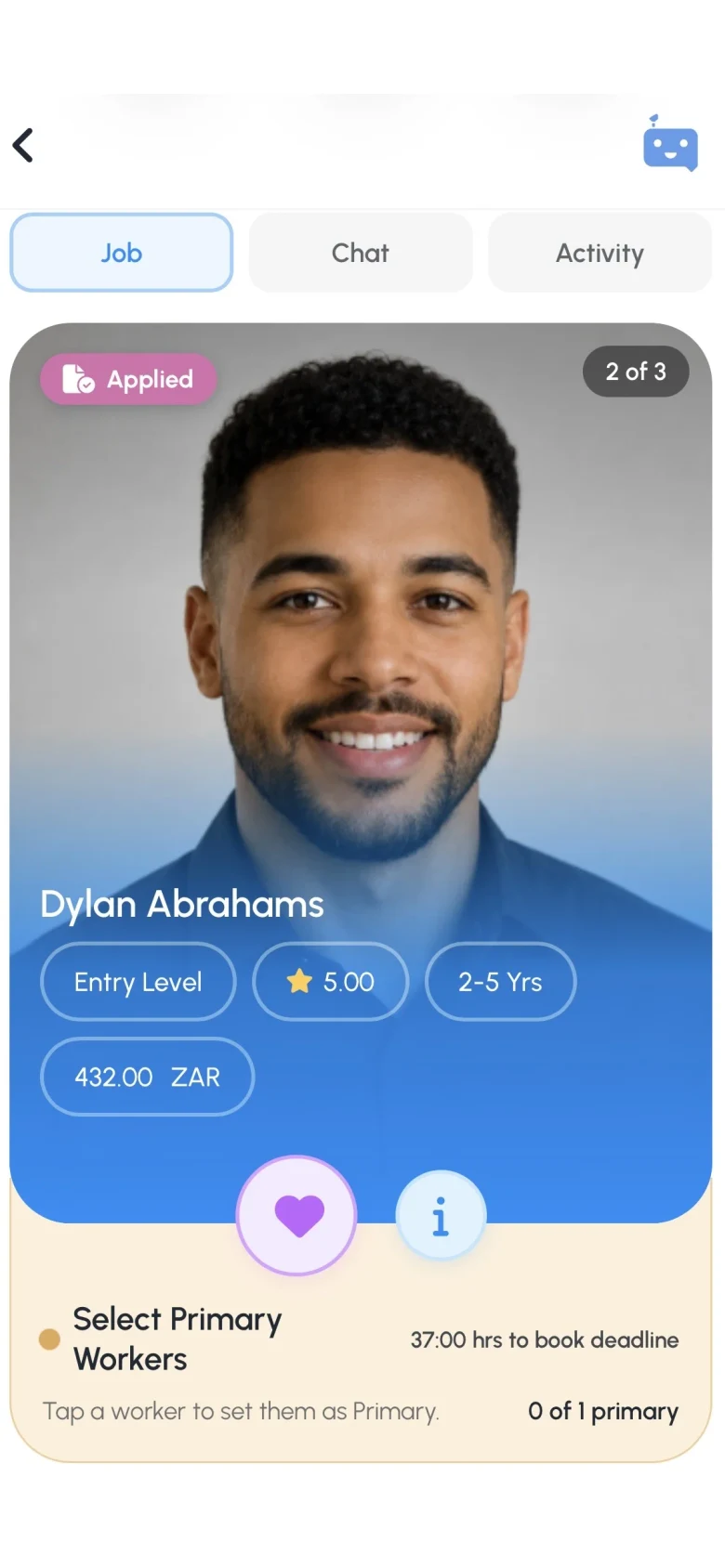
Select workers
You choose your team and optional backup.
-
Account
Create your account right inside WhatsApp or the app with a few quick details, then post your open shifts right away.
-
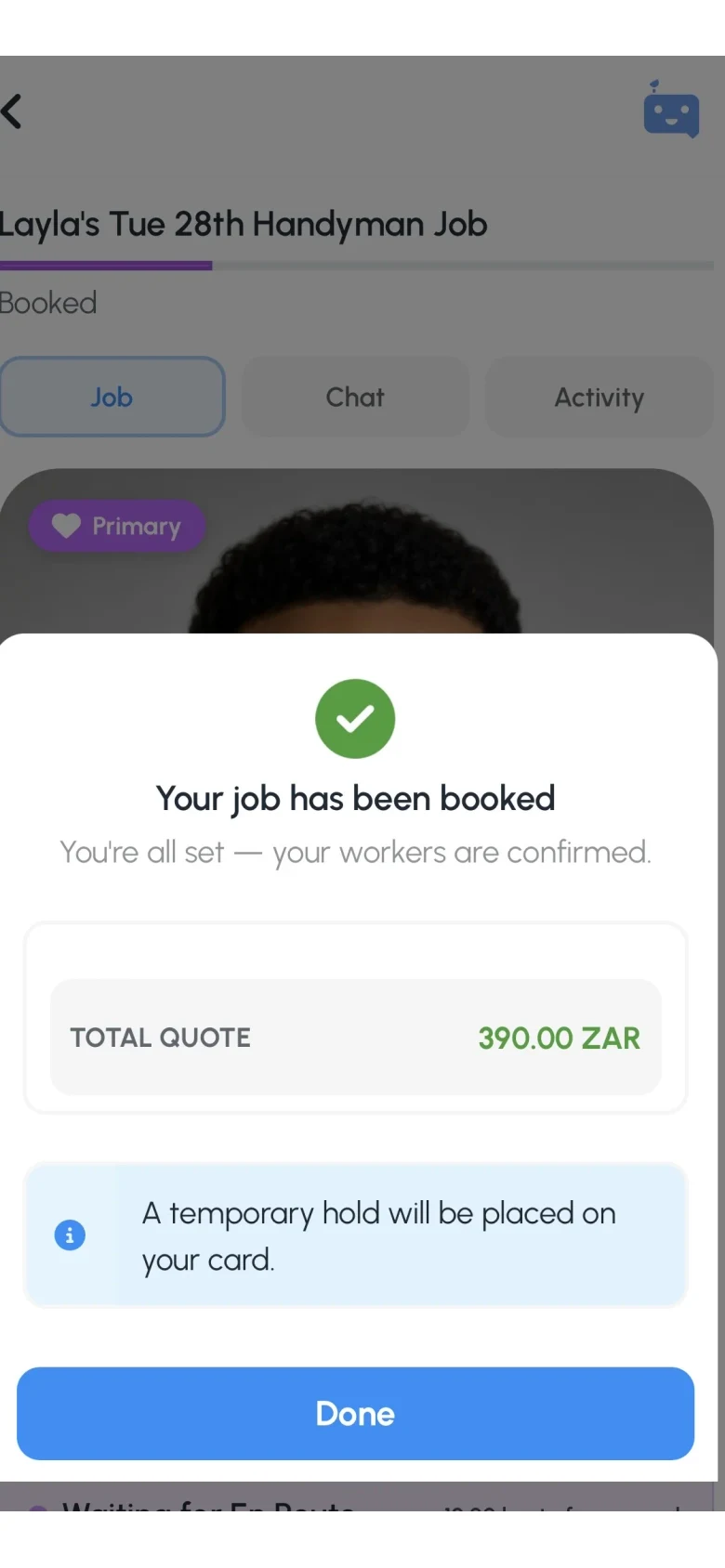
Post your job
Post in under 2 minutes. Workers apply. You Book. You only pay after the work is done.
Shortlist in chat. Card hold, pay and GPS stay in JobZapp.
Service areas
Cover across Cape Town
Workers are matched nearby, so pick the area closest to your site.
FAQ
Office cover questions
-
Is this permanent placement?
No. JobZapp is for on-demand shifts and short cover, not recruitment agency placements.
-
How do clock-ins work?
Workers can only clock in (and resume after breaks) when they arrive within 1 km of your property. Shift time is accurately tracked in the app, giving you total visibility from start to finish.
-
How quickly can I get a temp?
Post with enough lead time (typically 6+ hours by day, 12 at night). Nearby workers apply and you choose who to book.
-
Do I pay cash on the day?
No cash needed. All payments are handled securely through the app.
You will see a clear upfront estimate covering the worker's rate, booking fee, and travel. We only place a temporary hold on your card when you book, and you are charged after the job is completed.
-
Are workers vetted?
Yes. Every worker must complete a vetting process, including document verification, an interview, and reference checks before receiving regular job invites. Each skill is individually reviewed, so workers are only matched with jobs they are fully approved for.
Need more detail? See Client Help.
Booking
Post your next office shift
Book vetted admin and cleaning cover across Cape Town.
Shortlist in chat. Card hold, pay and GPS stay in JobZapp.
See the estimate first, cancel free up to 4 hours, follow Book Status live, and only pay after the work is done. Safety & Trust