
Short-stay hosts
Guest-ready turnovers when the booking lands
- Airbnb · Booking.com · hotels · B&Bs
See rates for host cover, then Book. Pay when the work is done.

Short-stay hosts
Turnovers when the reservation lands
Checkout is tight. Guests leave a mess. Chasing cleaners on WhatsApp every week is not a system.
-
Tight handover windows
Guests leave at 10:00 and the next arrive at 14:00. The listing has to be guest-ready.
How JobZapp helps
Book when the stay is confirmed
No calendar sync needed. Simply book a cleaner the moment a new reservation lands, in the app or on WhatsApp.
-
Bookings land late
If you only message cleaners on checkout morning, good people are already taken.
How JobZapp helps
Checkout-ready posts
Set checkout time, access codes and a guest-ready checklist in the job.
-
One no-show ruins the review
You need committed cover and a backup when timing is tight.
How JobZapp helps
Primary plus Standby
Add a standby worker for tight turnover windows, and only pay once your listing is officially guest-ready.
Your listing
Domestic, garden and handyman cover
Checkout cleans when the reservation lands, plus outdoor tidy and small repairs between stays.
-

Turnover cleaning
Checkout cleans between Airbnb, Booking.com, hotel and B&B stays. Linen, bathrooms and guest-ready standards for the next check-in.
Book this cleaner -

Garden and outdoor tidy
Lawns, hedges and patio tidy-ups so the listing looks sharp in photos and before the next guest arrives.
Book garden help -
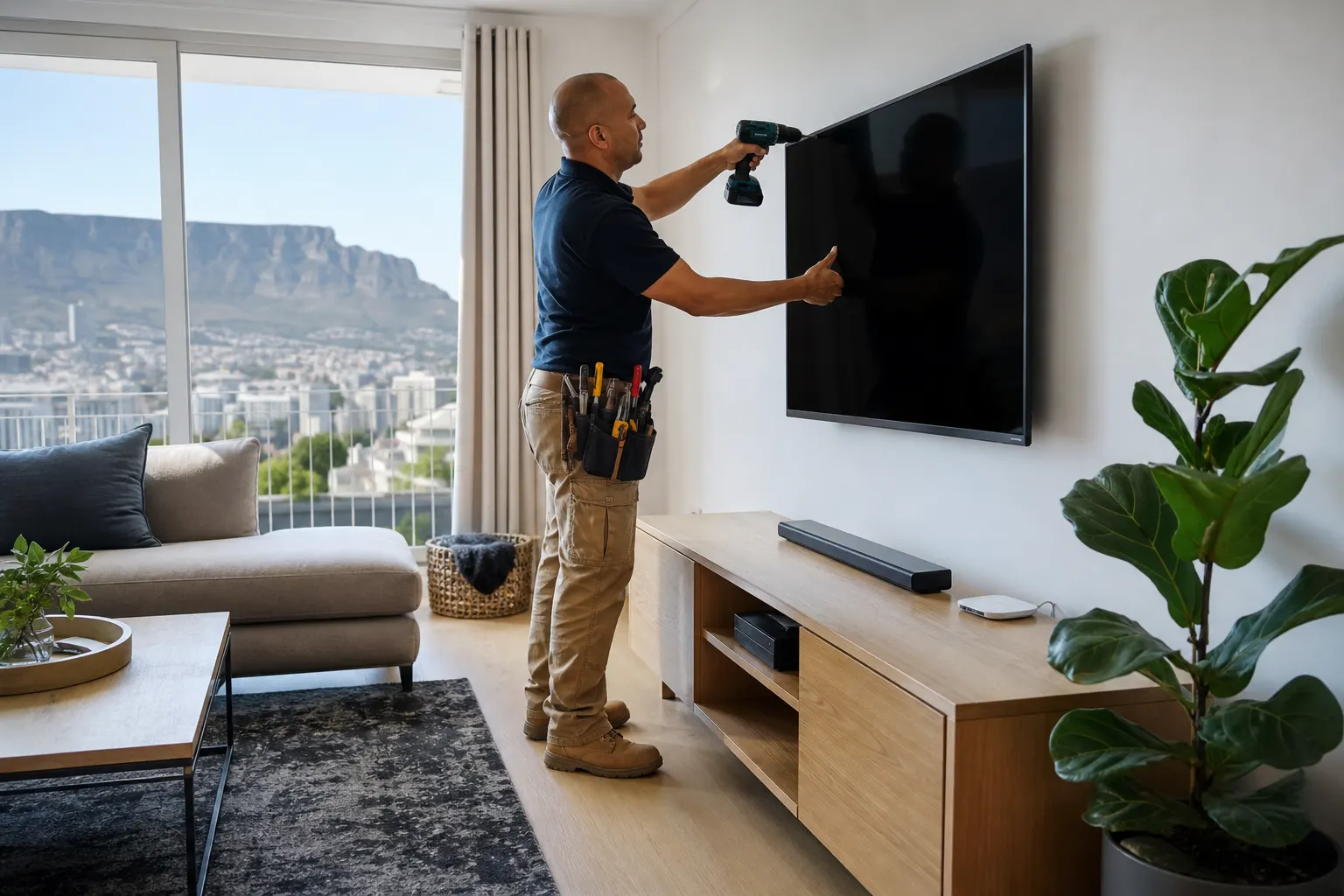
Handyman between stays
Small fixes, mounting and touch-ups at your listing so nothing waits for the next guest or review cycle.
Book a handyman
Outcomes
Recent bookings
A West Coast host case from the JobZapp journal.
-
Checkout cleaner
Lauren
Fewer last-minute checkout mornings. One cleaner who knows the linen cupboard. Turnovers planned when the booking lands.
Where we cover
Checkout cleans across Cape Town
Start with the area that matches your listing. Each link shows rates first. Book the turnover on WhatsApp or Browse workers.
-

Atlantic Seaboard
Sea Point, Green Point, Camps Bay and Clifton holiday lets and guest houses.
Learn more -

-

Camps Bay turnovers
Luxury rentals and sunset-season checkouts with tight handover windows.
Learn more -

All Cape Town hosts
City Bowl, West Coast, Helderberg and more. One checkout lane for every listing.
Learn more -

-

Why JobZapp
Book from the reservation, not checkout morning
Add a standby worker for tight turnover windows, and only pay once your listing is officially guest-ready.
-

Book when the stay is confirmed
No calendar sync needed. Simply book a cleaner the moment a new reservation lands, in the app or on WhatsApp.
-

Primary + Standby
Confirm your main cleaner and add a backup if checkout timing is tight.
-

Clock-in near the listing
GPS clock-in shows the turnover started at the unit.
-

Same cleaner next stay
Rebook a cleaner who already knows your listing and guest-ready standard.
Host playbook
When to book and what to put in the job
A short checklist for Airbnb, Booking.com, hotel and B&B hosts in Cape Town.
- Book when the reservation lands, not on checkout morning, so workers have time to apply.
- Set the start time to checkout, usually 10:00.
- Use a 10:00 to 14:00 turnover window for most short-stay flats.
- Add access codes, linen and Wi-Fi notes in the job description.
- Add a Standby worker if checkout timing is tight.
- List bins, bathrooms, kitchen and floors so the cleaner knows what guest-ready means for your unit.
Live on JobZapp
Cleaners available for turnovers
Browse vetted domestic cleaners with ratings, distance and rates before you confirm a checkout clean.
Live worker profiles from JobZapp. Browse on WhatsApp or in the app. Or Try a Demo first.
How to book
Book your way
Browse workers on WhatsApp, or browse in JobZapp. Same booking, matching and payment either way.
-
Hi. Browse workers on JobZapp WhatsApp. Send a voice-note or tap Browse workers and we will do the rest.
Voice note: Cleaner tomorrow morning near Claremont, about 4 hours
Got it: domestic cleaner, tomorrow morning, about 4 hours near Claremont. Share your street pin so we match nearby.
Location pin shared
Matched 3 vetted cleaners nearby. Select workers, then post. They apply, you Book, a hold goes on your card. You only pay after the work is done.
Example WhatsApp chat On WhatsApp
Voice-note or text the job. Shortlist in chat. Card hold, pay and GPS stay in JobZapp.
-
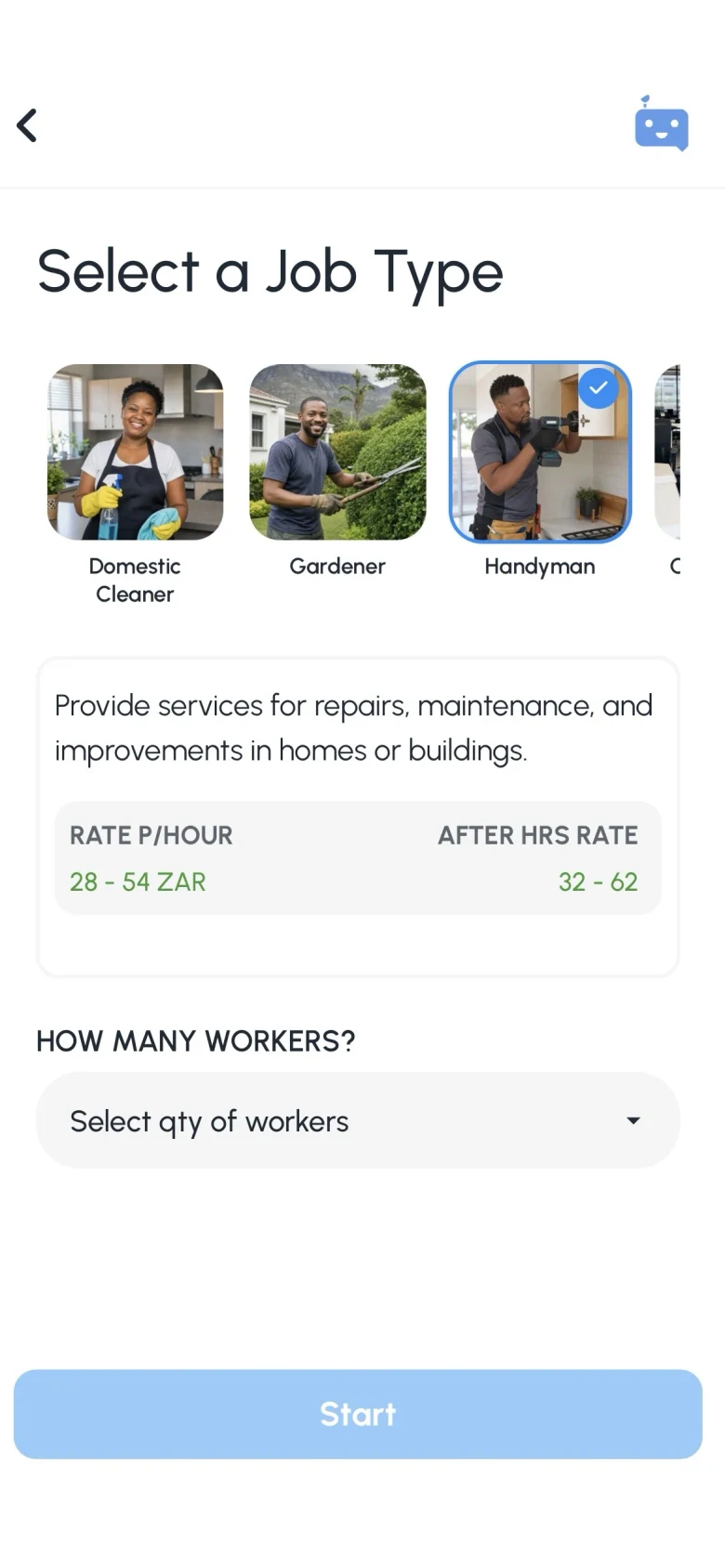
Browse workers
After you post on WhatsApp
After you post: Workers apply directly in chat. Choose your preferred worker, tap the payment link to authorize a card hold, and your booking is confirmed.
-
Workers apply in chat
Invited workers reply on WhatsApp if they are available for your job.
-
Tap Primary or Standby
Choose your preferred worker, and add a Standby if you want cover.
-
Open the pay link
Tap the payment link to authorize a card hold. You only pay after the work is done.
FAQ
Good to know for hosts
-
When should I book a turnover?
Book as soon as your reservation lands. Do not wait for checkout morning. JobZapp requires at least 6 hours' lead time for daytime turnovers so local cleaners can apply and you can confirm before the 10:00 AM window.
-
How long is a turnover clean?
Most Cape Town turnovers run four hours, often 10:00 to 14:00 between checkout and the next check-in. You see the full estimate, including the worker rate and booking fee, before you confirm anyone.
-
Can I book the same cleaner again?
Yes. After a good turnover you can post again and book the same worker for your next checkout. Many hosts keep one vetted cleaner on rotation across their listings.
-
Do I need to supply linen or cleaning products?
Most hosts provide their own products and linen. Mention anything unusual, such as a linen cupboard, lockbox code or parking bay, in the job description when you book.
-
Does my Airbnb guest book the cleaner?
No. Your guest books the stay on Airbnb or Booking.com. You book the turnover clean in JobZapp as the host. The guest does not need a JobZapp account.
-
Does this work for Booking.com stays too?
Yes. Book the checkout clean in JobZapp when the Booking.com reservation lands. Works with Airbnb and Booking.com checkouts. You book in JobZapp, not on the booking site.
-
Can hotels and B&Bs use JobZapp?
Yes. Boutique hotels, guesthouses and B&Bs use JobZapp for turnover cleans, garden tidy-ups and handyman call-outs between guests. You book as the property host or manager, not the guest.
Need more detail? See Client Help.
Talk to JobZapp
Ask a question or talk to us
JobBot answers first on WhatsApp, so you are not waiting for an agent outside office hours.
-

JobBot
Ask a question anytime on our site, in the app, or via WhatsApp. Get instant answers with quick options to browse local workers or connect directly with a person.
-

WhatsApp Help
Send us a message on WhatsApp anytime to browse local workers or get support. You can easily tap quick options to find work, view help topics, or connect with a support agent.
-

Help guides
Longer how-tos with steps and examples on the Client Help centre.
-

Chat to a person
Connect with our Customer Care team right inside your WhatsApp or JobBot chat for help with profile, payments, or special requests.
Booking
Book your next turnover
Book the next turnover when the reservation lands, so the listing is guest-ready before check-in.
Shortlist in chat. Card hold, pay and GPS stay in JobZapp.
See the estimate first, cancel free up to 4 hours, follow Book Status live, and only pay after the work is done. Safety & Trust