Google Play review
"You don't have to stand on the robots looking for a job. JobZapp connect you to the clients that match your skills."



Find work nearby
Voice-note or chat through signup and Continue setup. Check My vetting in chat, Apply from job alerts, then get paid in JobZapp.
Shortlist in chat. Card hold, pay and GPS stay in JobZapp.
Who we are
JobZapp puts nearby shifts in front of verified workers, no agency fees and no waiting room.
Join on WhatsApp: thin signup, Continue setup, then My vetting for your next stage. Apply or Decline from job alerts. Bank, skills, GPS clock-in and payouts stay in JobZapp.
See jobs as clients post them and Apply or Decline in the app or on WhatsApp.
Earnings land in your wallet when the client pays. You withdraw on your selected payout frequency.

How a shift looks
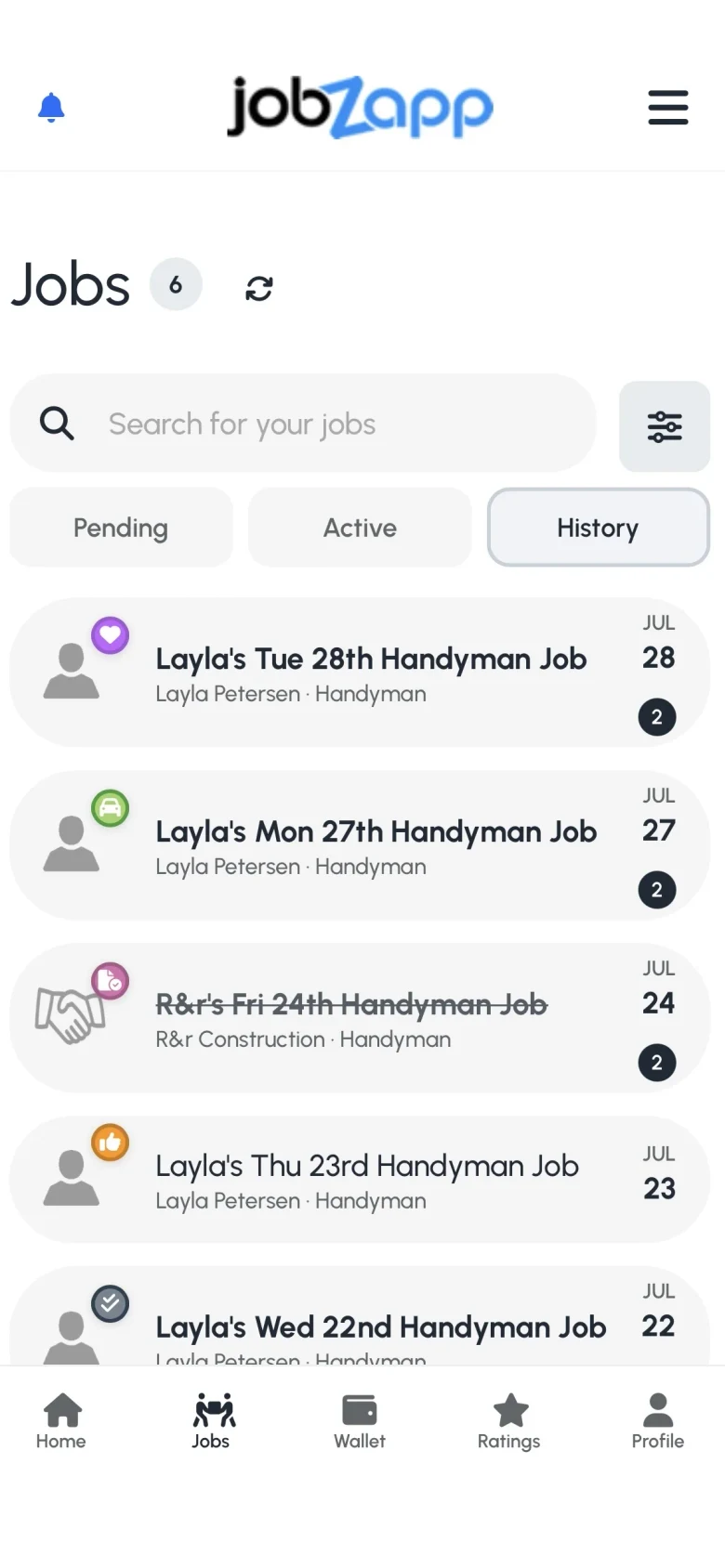
Jobs in your area with the rate, hours, and place shown up front.
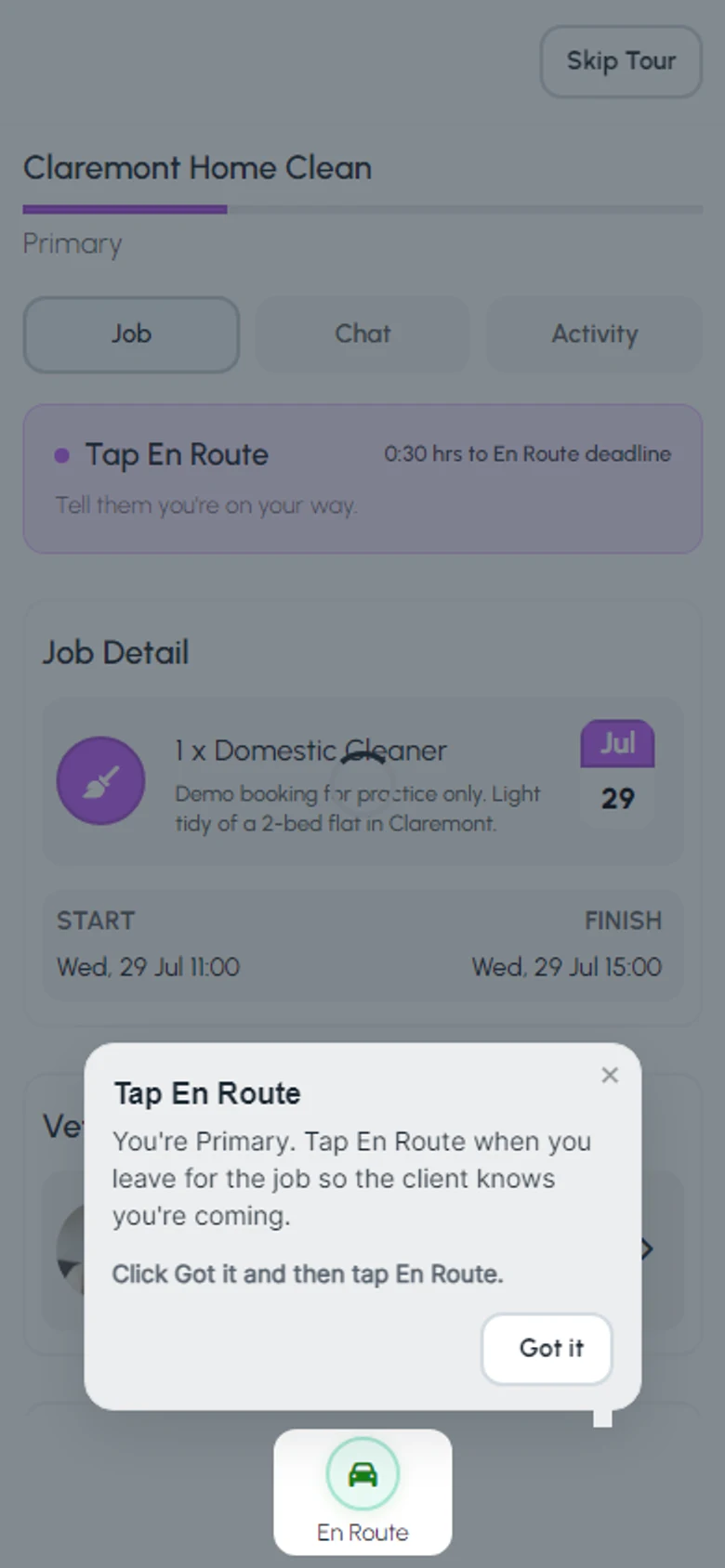
Let the client know you are heading over so they know who is coming.
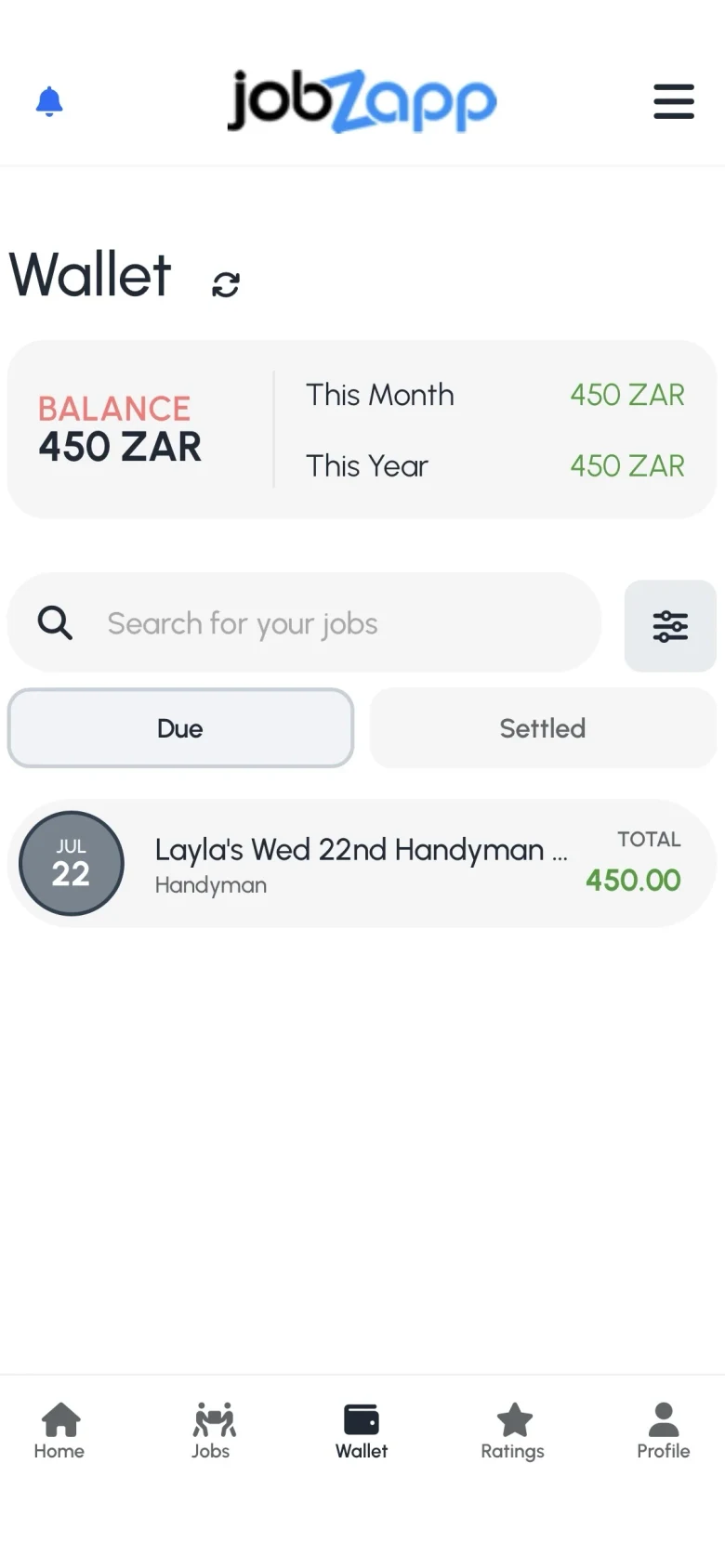
Earnings land in your wallet after the client pays, with no chasing cash.
Job types
From home help to warehouse and office cover.
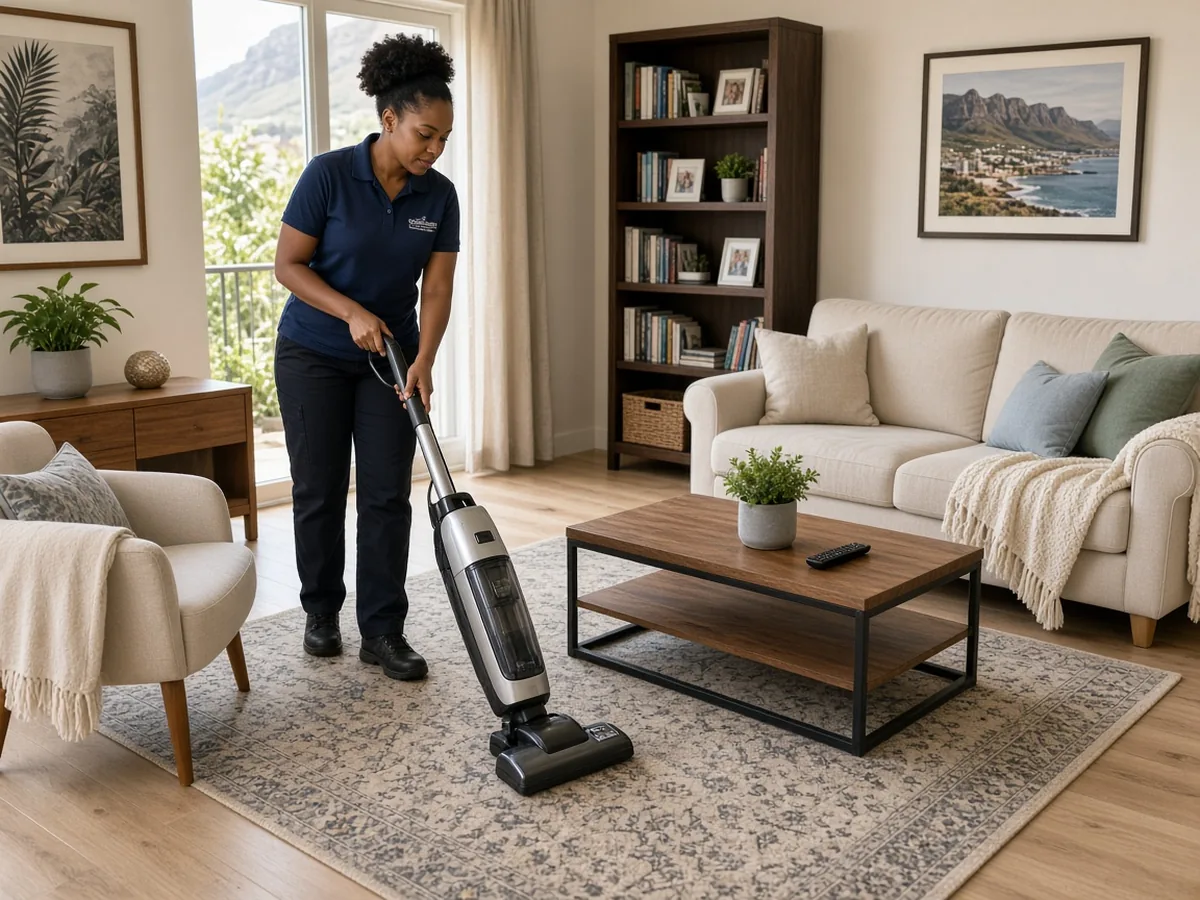
Pick up cleaning shifts near you, choose your own hours, and get paid through the JobZapp app.
See domestic cleaner jobs
Pick up turnover cleans between guest stays at Airbnb, Booking.com, hotel and B&B listings. See the rate and window before you accept, and get paid through the app.
See checkout cleaner jobs
Fill the gaps in your week with repair and maintenance jobs near you, paid through the app.
See handyman jobs
Take on garden work near you, mowing, pruning, and clean-ups, with payment through the app.
See gardener jobs
Take on reception and admin shifts near you, choose the days that work and get paid through the app.
See office temp jobs
Pick up office cleaning shifts near you, including after hours and weekends, and get paid through the app.
See office cleaner jobs
Find till and checkout shifts near you, weekends, month-end, and peak trading, paid through the app.
See cashier jobs
Find warehouse shifts near you, picking, packing, and dispatch, with payment through the app.
See picker - packer jobsMeet the crew
See how profiles look in the app, then build yours and start taking shifts.
Live worker profiles from JobZapp. Browse on WhatsApp or in the app.
Why JobZapp
Choose the shifts that fit your schedule across Cape Town.
Store reviews
Public reviews from Google Play and the App Store.
Google Play review
"You don't have to stand on the robots looking for a job. JobZapp connect you to the clients that match your skills."
App Store review
"The App is perfect if you looking for a clean and simple job search experience. One of the things I liked about the app is that it doesn't overcomplicate things."
Google Play review
"Very helpful does what its supposed to do and I did get some temporary jobs through the app I love it."
Google Play review
"Jobzapp has helped me as an unemployed mother who is looking for work in these trying times, to find me temporarily work with their awesome employers."
Google Play review
"Nice and quick way to get extra jobs. Thank you Jobzapp."
Ready to earn?
Create your worker profile and get notified about shifts near you.
FAQ
Yes. Join on WhatsApp: thin signup, Continue setup, then My vetting for your next stage. Apply or Decline from job alerts. Bank, skills, GPS clock-in and payouts stay in JobZapp.
JobBot answers common questions in the app and on WhatsApp free text: payouts, Apply, En Route, availability, skills and what’s next on vetting. It sends you to the right screen. It does not replace job Chat with your client. Chat to a person reaches Care when JobBot cannot finish.
Ask JobBot in the app or on WhatsApp Help first. Open Worker Help for longer how-tos. Use Chat to a person when you need Care in the same thread. Job Chat on a live booking is only for talking to your client, not Care.
Nothing. Creating a worker profile on JobZapp is free. You only need your ID or passport, your skills, and a smartphone.
No. You see nearby shifts as clients post them and choose the ones that fit your schedule. You can Apply or Decline from the app or from the WhatsApp invite.
Clients pay in the app after the job is marked complete. Your earnings land in your wallet and pay out on the schedule you choose: Weekly, Bi-Monthly, or Monthly. Paid Extra Time lands in your wallet separately from the main job pay. Never take cash on site.
Complete Your vetting steps (Docs Review, Interview, Briefing, Briefing quiz, References, and Vetting Ready), arrive on time, and finish jobs well. Only Vetted or Certified workers get regular invites, and matching uses skills that are approved, together with how close you are and how reliably you have completed jobs. Good ratings put you in front of more clients nearby. Late cancels and no-shows can trigger Yellow, Purple, or Red cards that pause job requests.
Need more detail? See Worker Help.
Talk to JobZapp
Join and continue setup on WhatsApp. For questions, start with JobBot. Chat to a person reaches Care in the same thread.

Tap the jayzee icon in the app, or type on WhatsApp Help. Short answers, chips and links into Jobs, Wallet or vetting.

Join on WhatsApp: thin signup, Continue setup, then My vetting for your next stage. Apply or Decline from job alerts. Bank, skills, GPS clock-in and payouts stay in JobZapp.

Screen-by-screen how-tos with steps and examples on the Worker Help centre.

When JobBot cannot finish, ask for a person in JobBot or WhatsApp Help. Care replies in the same thread.
Where the work is
Set your travel range and see jobs in the areas that suit you.