
Secure hiring
Follow My Job, GPS clock-in and Emergency
Share the live booking with trusted contacts, keep day-to-day messages in chat, and alert people with your location if something goes wrong.
Shortlist in chat. Card hold, pay and GPS stay in JobZapp.

Job safety
Three controls on every live job
Follow My Job, in-app chat and the Emergency button sit on every booking.
-

Follow My Job
-

In-app chat
-

Emergency button
Follow My Job
Trusted contacts see start and stop
Transparency is a safety asset. On a booking you can share the job with up to two trusted contacts. They get notified with job details when work starts and stops: check-ins, check-outs, and the context of the shift, so someone you trust can follow along even if you are not on site.
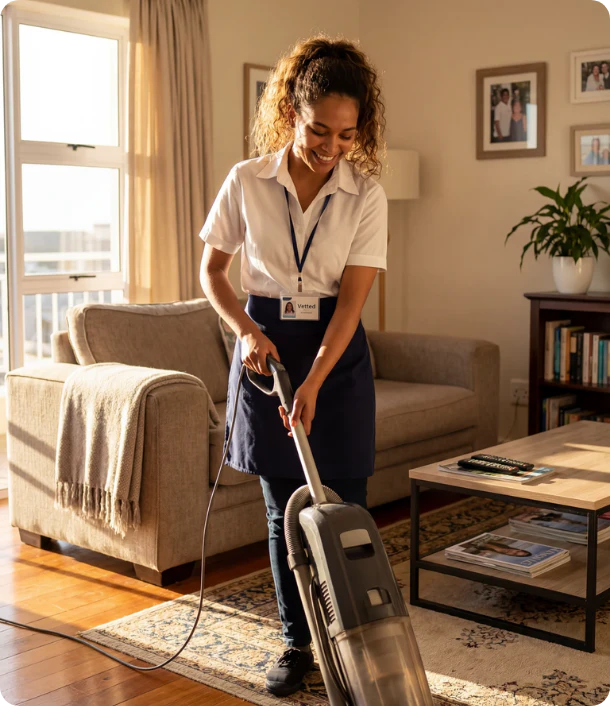
On site
Clock-in within about 1 km
Workers can clock in only when they are at your job location (within about 1 km). Restart after a break also requires being on site. Always match their profile photo with the person in front of you before work starts. Clock-out geofencing is coming soon; today they still clock out in the app when finished.
If something goes wrong, Emergency sends a WhatsApp and SMS to your trusted contacts with your message and where you are. Security notifies your contacts and JobZapp Support so the platform can act on the record. Phone numbers and exact address are shared only at the right stage of the booking, messages stay in in-app chat day to day. See Client Help: Problems & help for the full incident guide.

FAQ
Safety questions
-
Can someone I trust follow the job?
On each booking you can share the job with up to two trusted contacts. They get notified when work starts and stops, which is useful if you are not home when someone arrives, or if a worker wants someone following their shift.
-
What happens in an emergency?
From a live job, Emergency sends a WhatsApp and SMS to your trusted contacts with your message and location. Security notifies your contacts and JobZapp Support so the platform can act on the record.
-
What is the difference between Emergency and Security reports?
Emergency alerts your trusted contacts with your message and location. Security notifies your contacts and JobZapp Support.
-
When do workers see my address and phone number?
Exact address once you have selected the worker. Phone number shortly before the job. Day-to-day messages stay in in-app chat.
Need more detail? See Client Help.
Booking
Hire with the safety layers on
Post the job with tasks, hours, and site notes, then share the live job when work starts.
Shortlist in chat. Card hold, pay and GPS stay in JobZapp.
See the estimate first, cancel free up to 4 hours, follow Book Status live, and only pay after the work is done. Safety & Trust