
Vetting
Your connection to skilled Cape Town professionals
Workers follow Your vetting steps in the app. Clients can hire at Private, then optionally become Vetted. Ratings come from real completed jobs.
Shortlist in chat. Card hold, pay and GPS stay in JobZapp.
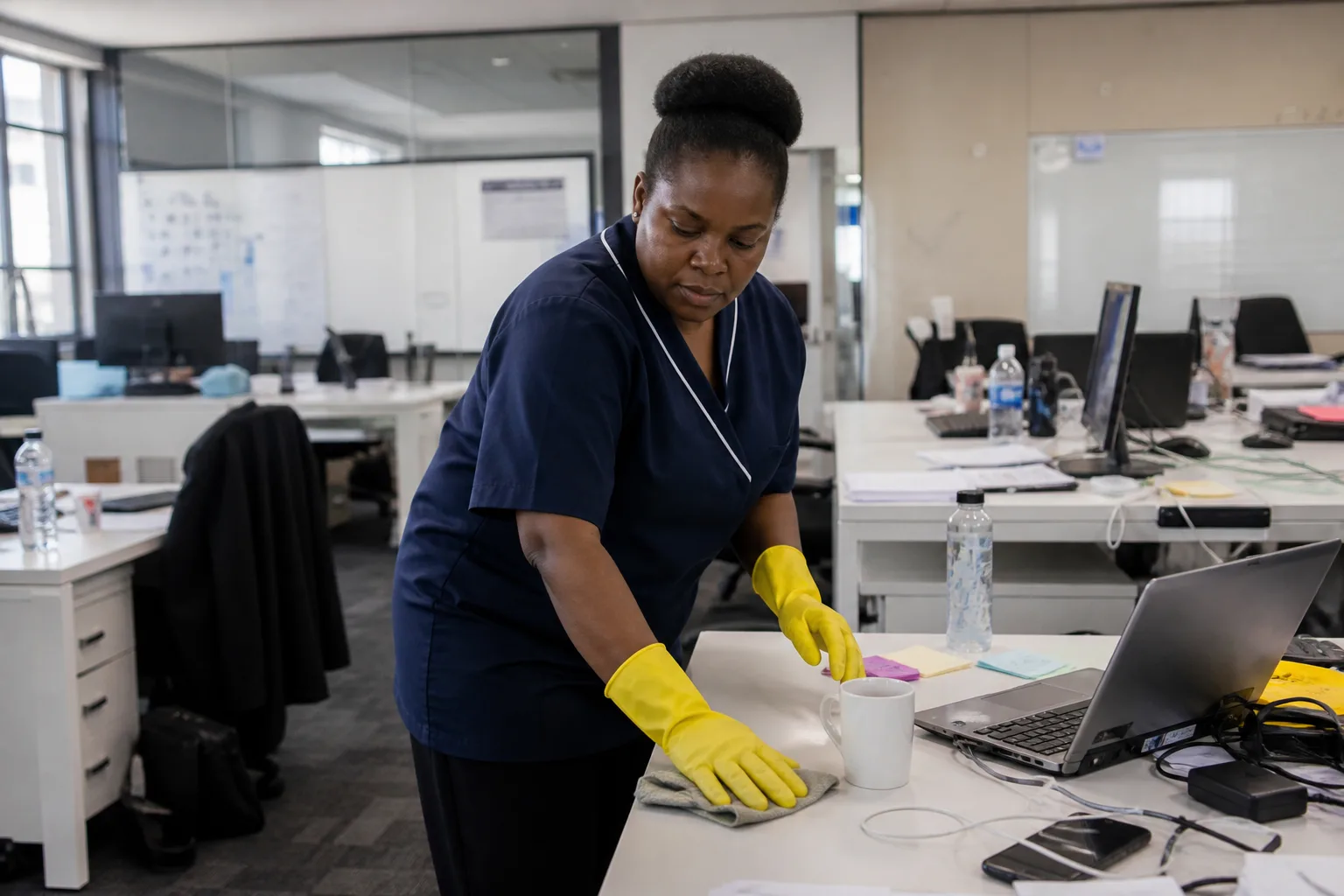
Beyond the resume
Verified before regular invites
Only Vetted or Certified workers get regular matching invites. JobZapp reviews profiles and documents first, with AI helping our team spot issues in Docs Review so checks move faster. The profile image is checked so you can match the person who arrives. ID and address are verified. Skills and certificates are reviewed against the roles they want, and workers set days available so you are not booking someone who cannot take the shift.
A worker can become Vetted once at least one skill is approved and interviewed. Other skills stay off matching until they are approved too, so you only see people for roles they are cleared to do.
-
Profile image
The photo is checked so the person on site matches the profile.
-
ID and address
Identity and location are verified before regular invites. We use AI to scan credentials, and the JobZapp team confirms the outcome.
-
Approved skills
Matching uses skills that are vetted and interviewed for that role, with AI helping rank nearby workers who fit the job.
-
Days available
Workers set the days they can work so timing stays realistic.

Your vetting steps
A clear path workers can follow in the app
Workers progress through Docs Review, Interview, Briefing, Briefing quiz, References, and Vetting Ready. Your vetting steps in the app shows what is done, what is current, and what comes next, so they do not have to hunt for links in old messages.
Each stage update can arrive by app, WhatsApp, and email. Interview and Briefing are booked from the checklist. The Briefing quiz is completed in the app. References are information checks. If a worker needs support, they can tap Need help on a WhatsApp vetting update. That asks JobZapp Support without changing their stage. Common questions can be answered immediately, and the team steps in when the case needs a person. Full screen-by-screen detail is in Worker Help: Your profile.
-
Docs Review
Profile and document review come first, including ID or passport details. AI helps our team spot issues so checks move faster.
-
Interview and Briefing
Short sessions confirm readiness, followed by the Briefing quiz in the app.
-
References
Reference checks run while JobZapp reviews skills for matching.
-
Vetting Ready
Workers are cleared for final Vetted promotion and regular invites.

Clients stay in control
Private to hire fast, Vetted for extra trust
Clients can post jobs at Private once basics are in place, with no ID or registration documents required yet. Submitting for Vetted is optional extra trust. Homes upload ID or passport and address proof. Businesses upload ID or passport and CK registration so workers see you as verified.
Digital checks are only the start for workers. We use AI to scan credentials. Interview, briefing, quiz, and references still happen with people. On the day, always match the profile photo. More in secure hiring and Client Help: Problems & help.

FAQ
Vetting questions
-
Are workers vetted?
Yes. Every worker must complete a vetting process, including document verification, an interview, and reference checks before receiving regular job invites. Each skill is individually reviewed, so workers are only matched with jobs they are fully approved for.
-
Is JobZapp AI-powered?
Yes. JobZapp is an AI-powered job booking, matching and payment tool. Browse workers on WhatsApp and JobZapp: set job type, where and when, see a shortlist and post. Invited workers apply, you Book, a hold goes on your card, and you only pay after the work is done. JobBot answers common questions on this site, in the app and on WhatsApp. We also use AI for background work such as scanning credentials during Docs Review and matching approved skills. Interview and Briefing stay part of worker vetting.
-
What is Private vs Vetted for clients?
Private lets you post and hire once your profile basics are ready. Vetted is optional. Upload the required documents and submit for admin review so workers see you as more trusted.
-
Can anyone sign up as a worker?
Anyone can start, but regular invites wait until they complete Your vetting steps (Docs Review, Interview, Briefing, Briefing quiz, References, and Vetting Ready) and become Vetted or Certified.
-
Are ratings genuine?
Yes. Ratings can only be left after a job booked through JobZapp is marked complete.
Need more detail? See Client Help.
Booking
Book someone you can check first
Post a job and compare vetted, rated workers before you confirm.
Shortlist in chat. Card hold, pay and GPS stay in JobZapp.
See the estimate first, cancel free up to 4 hours, follow Book Status live, and only pay after the work is done. Safety & Trust